1.248
Release date: October 21, 2025
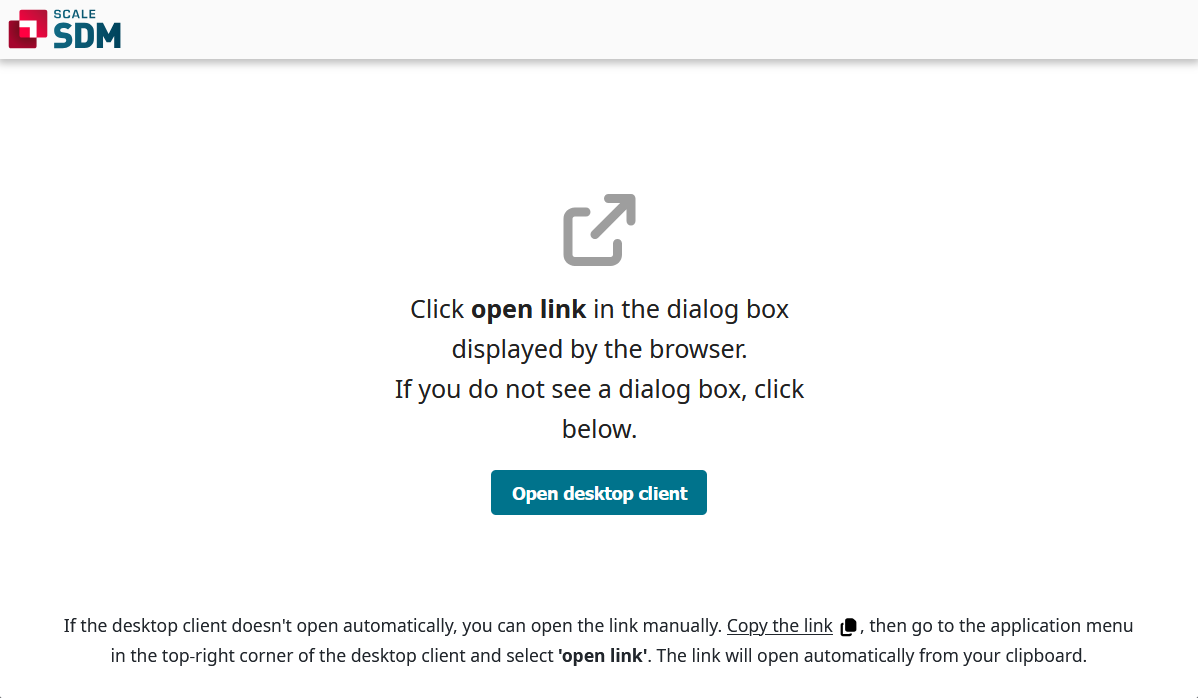
| Improvement | It is now possible to open links by pasting them into an internet browser.
[
#189
] This feature builds upon the Copy Link context menu option, which allows users to create links to various objects, such as pool versions, components and component groups. Example: “User A” creates a link to the biw component and shares the link with “User B”. In the past, “User B” would only have been able to open the link in the desktop client. This has been improved. Now, “User B” can paste the link directly into an internet browser. This will cause the desktop client to open and navigate to the desired object. At first, the browser will only show that this is a link to an object in Model and it will give an explanation for manually opening the link in the client. In order for the browser link to automatically open the desktop client, an IT admin needs to configure the settings on the computer. For example on windows, the admin needs to configure the windows registry so that the Model client is the default application for such links.
|
| Bug fix | Files that are generated during an edit process can now be deleted.
[
#11438
] This fix relates to situations when new files are created during the edit process. In such situations, the Apply button is disabled until all of the new files have either been imported or deleted by clicking on the red trash can icon. In the past, this icon was not working correctly. This behavior has been fixed. |
| Bug fix | The plugin information window can now be opened correctly. It displays detailed information about the selected plugin.
[
#11464
] This fix relates to the Plugin manager. In the past, the plugin information window failed to open after selecting a plugin from the list and clicking on View Information. This behavior has been fixed. |