
Insights, 23 February 2026
Generative AI in the SCALE.sdm User Manual: From the Question Directly to the Finished Template
With generative AI, the SCALE.sdm User Manual is transformed from a reference work into a productive tool that automatically generates structured presets, functional XML templates, correctly formulated CLI commands, and much more from simple prompts.
With generative AI, the SCALE.sdm User Manual shifts from a reference manual to a productive tool, automatically generating structured presets, functional XML templates, correctly formulated CLI commands, and much more from simple prompts.
The AI assistant in the SCALE.sdm User Manual not only helps quickly locate information or step-by-step instructions. It can do even more: with targeted prompts you can generate content directly – for example presets or concrete command-line examples. This turns the manual from a pure reference work into a productive working tool.
Playing the video transfers data to YouTube (Google, including to the USA). More in our privacy policy.
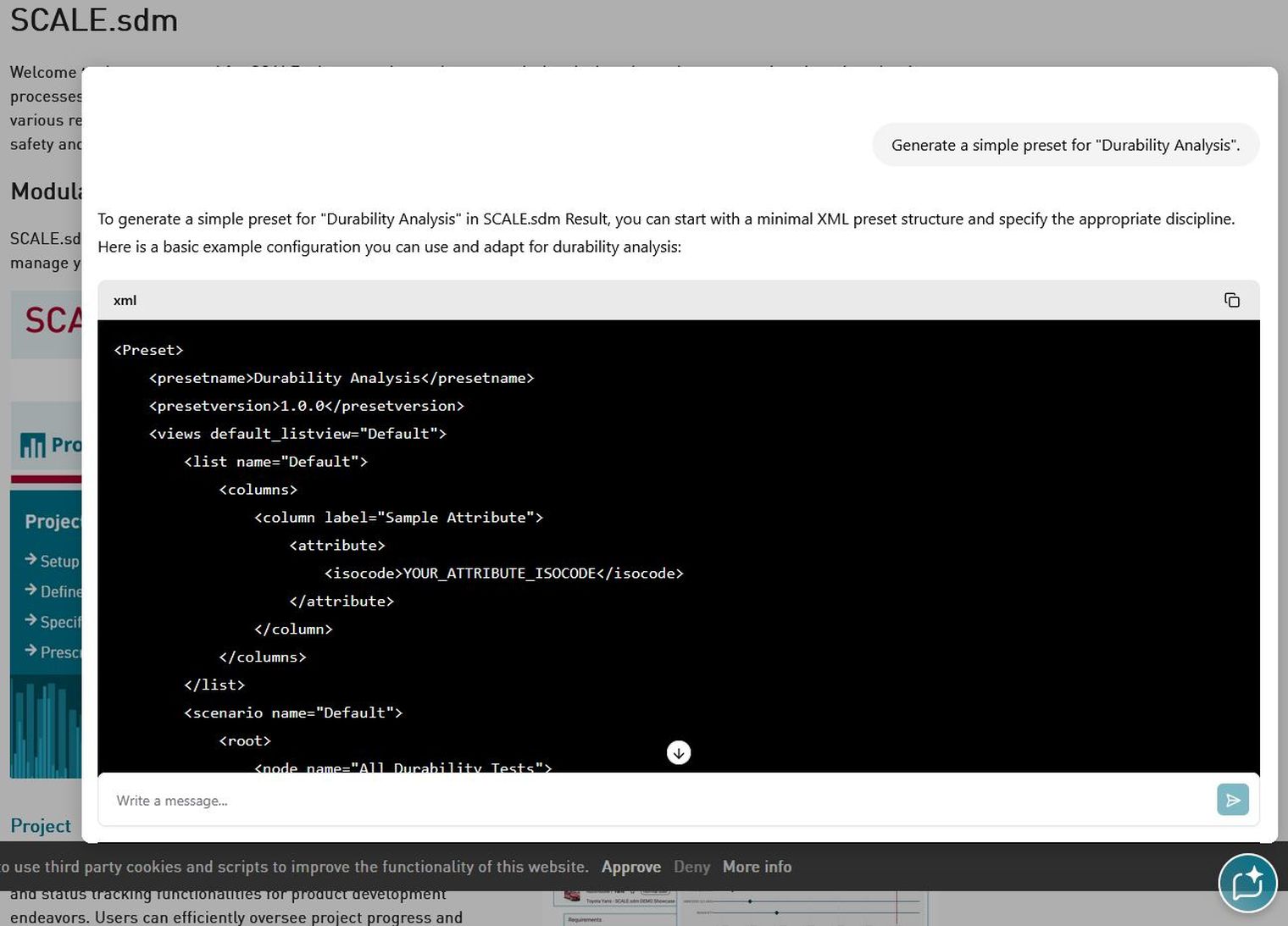
Example 1: Generate a Preset for "Durability Analysis"
A simple prompt is enough:
Prompt
Create a first simple preset for "Durability Analysis".
In response, the AI assistant provides the following:
a clear step-by-step guide for creating a preset
a minimal working XML structure
explanations and notes
direct link to the appropriate manual page
Particularly valuable: The generated XML is not only described theoretically, but can be used directly as a template. Users receive a clean starting point that can be tested and further developed immediately.
This turns an abstract question into a concrete, ready-to-use result.
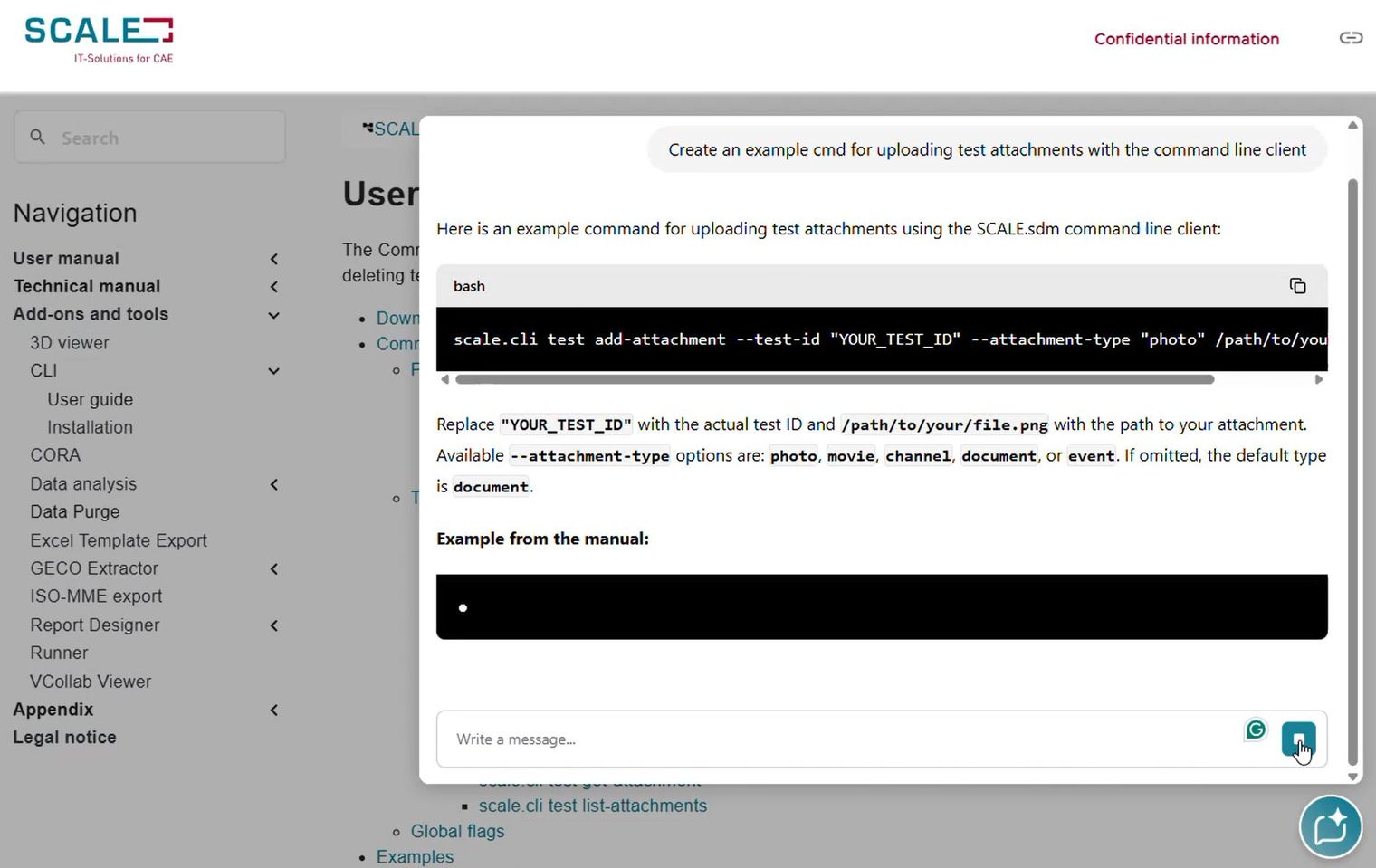
Example 2: Generate a CLI Command for Test Attachments
The principle also works for technical use cases.
Prompt
Create an example CMD for uploading test attachments with the command-line client.
Playing the video transfers data to YouTube (Google, including to the USA). More in our privacy policy.
The assistant generates:
a fully formulated CLI command
placeholders with clear labeling
a concrete usage example
references to further documentation in the manual
Especially for commands with multiple options or rarely used syntax, this saves time and significantly reduces sources of error. Instead of looking up information, you get an immediately adaptable template.
New Quality in Working with SCALE.sdm
These examples show: the AI assistant is more than a search function.
It becomes a productive tool that:
generates working configurations and content
specifies technical workflows
More Articles
All Articles →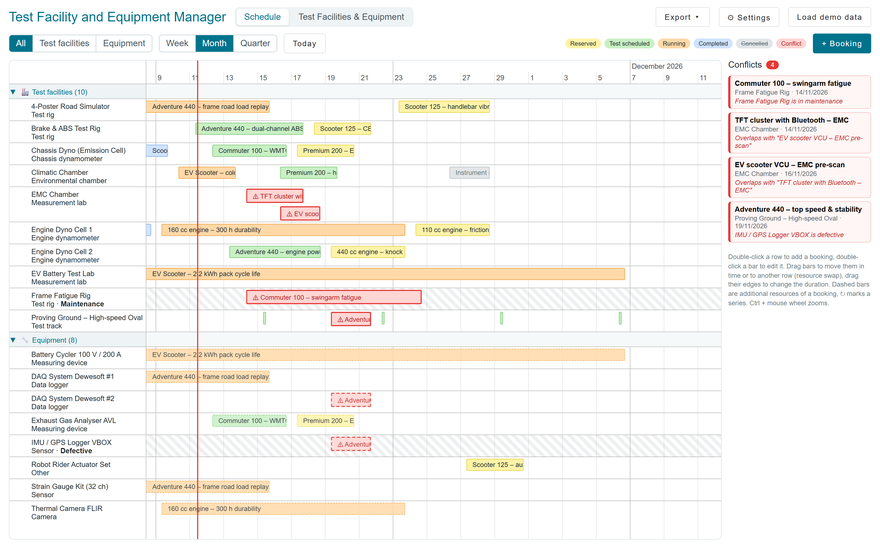 Insights, 12 November 2026
Test Facility and Equipment Manager: Plan Test Rigs and Measurement Equipment Directly in SCALE.sdm
 Insights, 13 October 2026
A New Chapter in India: SCALE India Moves into a New Office
 Insights, 9 October 2026
Invitation to the Webinar on Nov 5, 2026: Introduction to SCALE.sdm