
Insights, 1 July 2025
Integrating External Applications in SCALE.sdm – It’s That Simple
How external CAE tools like ANSA or Animator4 can be seamlessly integrated into SCALE.sdm – explained in just five minutes.
Working with simulation data often requires a close integration between the SDM system and powerful external tools. With SCALE.sdm, these tools can be seamlessly embedded – enabling a fully digital and efficient development process.
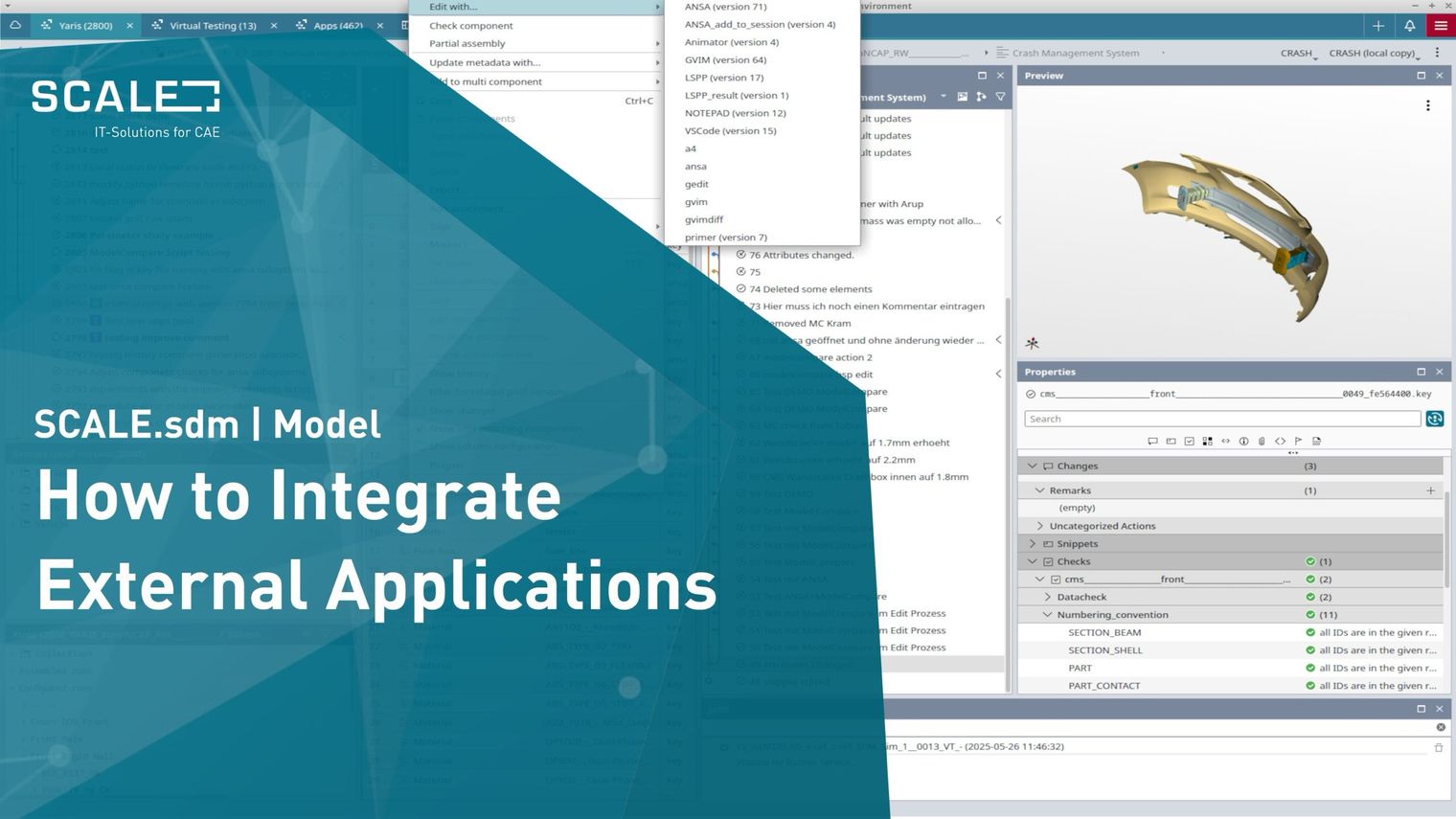
In a short video, we demonstrate how external applications – from simple text editors to advanced CAE tools like ANSA or Animator4 – can be directly integrated and used within the SCALE.sdm environment.
In this five-minute demo, you’ll learn:
How to configure your preferred tools directly in the SCALE.sdm desktop client
How to use the Python-based interface to launch and control CAE applications such as ANSA
How to save changes with full version control back into the SDM system
How to visualize results directly in the web client using integrated viewers like Animator4
This integration helps simulation engineers work more efficiently, automate routine tasks, and maintain a complete data history throughout the entire process.
Playing the video transfers data to YouTube (Google, including to the USA). More in our privacy policy.
More Articles
All Articles →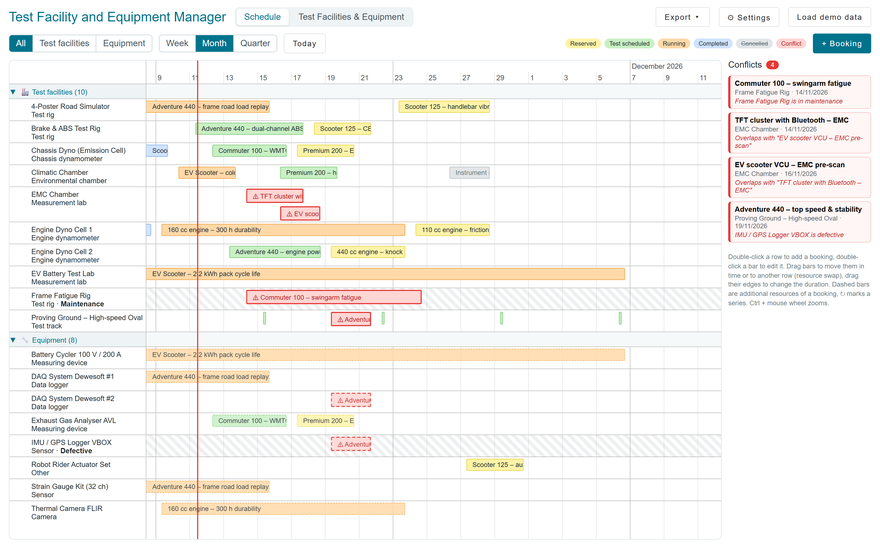 Insights, 12 November 2026
Test Facility and Equipment Manager: Plan Test Rigs and Measurement Equipment Directly in SCALE.sdm
 Insights, 13 October 2026
A New Chapter in India: SCALE India Moves into a New Office
 Insights, 9 October 2026
Invitation to the Webinar on Nov 5, 2026: Introduction to SCALE.sdm