Back

Search results

      Home / News / Why SCALE.sdm Pays for Itself Within Weeks

      Return on Investment:

      Why SCALE.sdm Pays for Itself Within Weeks

      Simulations are running. Results are piling up. Engineers are searching. This is daily life in many CAE teams – and it costs far more than most organisations realise.

      Virtual product development demands investment: HPC compute time, software licences, and highly skilled engineers. Yet a large share of that investment evaporates in manual routine work – copying variants, submitting jobs via SSH, assembling reports by hand, and hunting through folder hierarchies for results from six months ago.

      With SCALE.sdm, CAE teams can eliminate exactly this waste – and make its business impact measurable.

      The hidden cost

      The Invisible Problem: Time Lost in Routine

      The average CAE engineer spends an estimated 30–40% of their working time not on analysis, but on everything around it: organising data, manually submitting jobs, writing documentation after the fact, and explaining to colleagues where results are stored.

      Small inefficiencies? Consider this:

      4 engineers × 2 hours of routine saved per day = 40 hours per week.
      That is nearly a full-time position – reclaimed for creative engineering work.

      With SCALE.sdm, this calculation becomes reality.

      Where the time goes

      Seven Workflows SCALE.sdm Transforms

      Creating New Simulation Variants

      Product development constantly produces new variants – different materials, slightly modified geometries, updated load cases. Without tooling, this means copying files, adjusting paths, and manually transferring settings. With SCALE.sdm, you select an existing simulation as the starting point, adjust a few parameters, and the new variant is fully configured – including automatic geometry checks, mesh quality validation, and correct boundary conditions.

       ~3× faster  ·  3–5 min → 1–2 min per variant

      Submitting Simulation Jobs

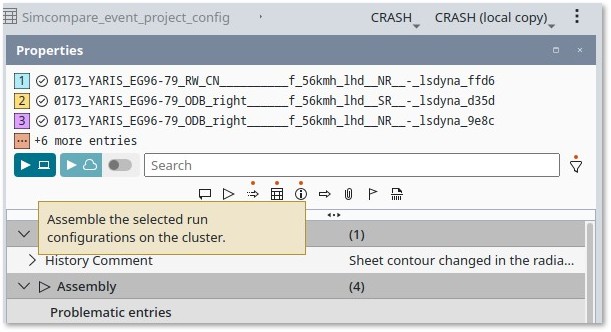
      Anyone who submits jobs to an HPC cluster knows the ritual: log in to the server, call the script, check the queue, manually query the status. SCALE.sdm replaces this with a standardised, UI-guided workflow. Select resources, start the job, monitor the run – all in one interface, no command line required.

       8–10× faster  ·  ~10 min → under 1 min

      Managing Parallel Simulation Runs

      Parameter studies, design variants, load scenarios – often dozens of simulations need to run simultaneously. Without support, chaos follows quickly: which job is running where? Which results belong together? SCALE.sdm starts and monitors all calculations centrally in a single action. No manual tracking, no individual scripts.

      10–20× faster  ·  manual scripts → one action

      Documentation That Writes Itself

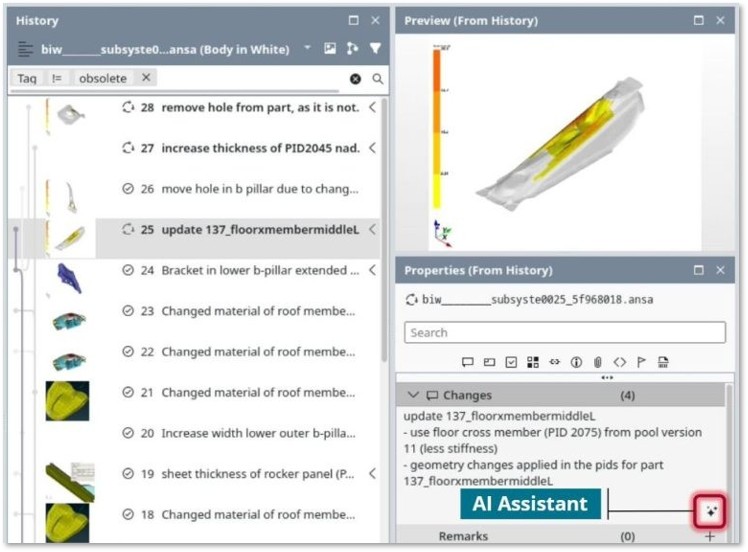
      Documentation is often treated as an afterthought – and it shows. Knowledge disappears, decisions become impossible to reconstruct, and audits turn into ordeals. SCALE.sdm links every change automatically to the corresponding simulation data. AI-assisted functions help produce change comments efficiently and consistently, so documentation is no longer retrofitted but emerges during the work itself.

       8–10× faster  ·  external docs → fully integrated

      Finding Results, Not Searching For Them

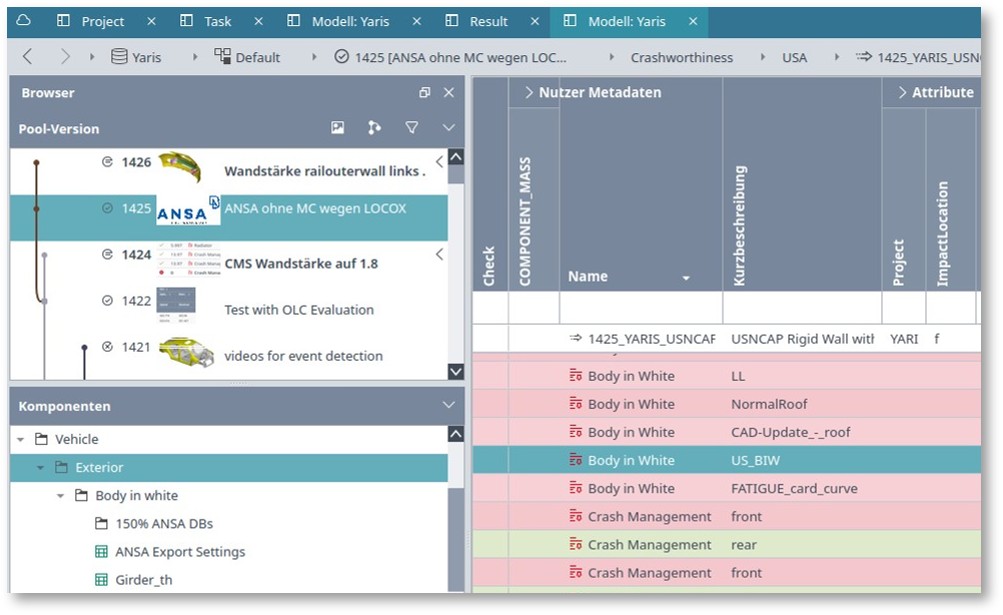
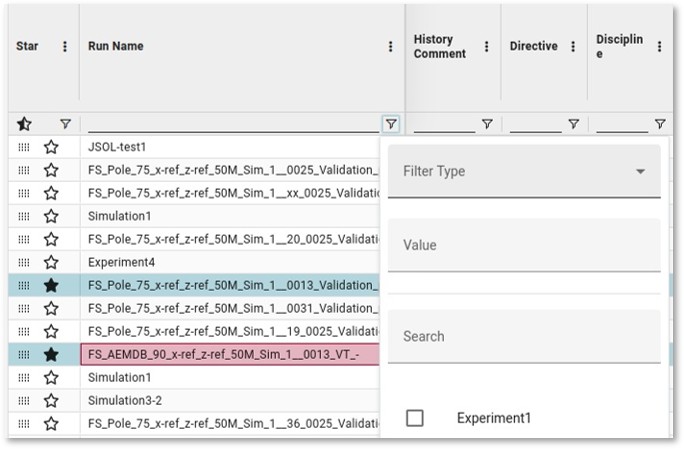
      “Didn’t we already simulate this? Where was that result again?” This question costs hours in practice. SCALE.sdm stores all results with complete metadata, centrally and searchably – even months after a simulation was run. Upcoming AI-powered search will go further, surfacing relevant data even from imprecise queries and recognising relationships automatically.

       15–20× faster  ·  folder hunt → instant retrieval

      Diagnosing Errors in Complex Process Chains

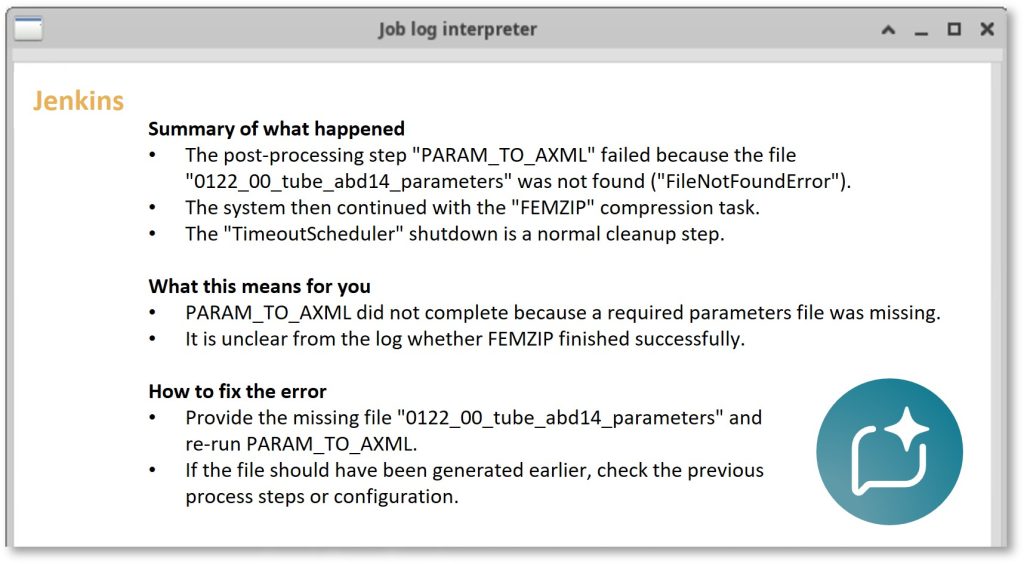
      Automated simulation pipelines are powerful, but when something goes wrong, root-cause analysis is often time-consuming. SCALE.sdm gives engineers clear visibility into process status, traceable error logs, and – with upcoming AI support – concrete guidance on the likely cause.

       3–5× faster diagnosis  ·  AI-assisted in future releases

      Reports at the Click of a Button

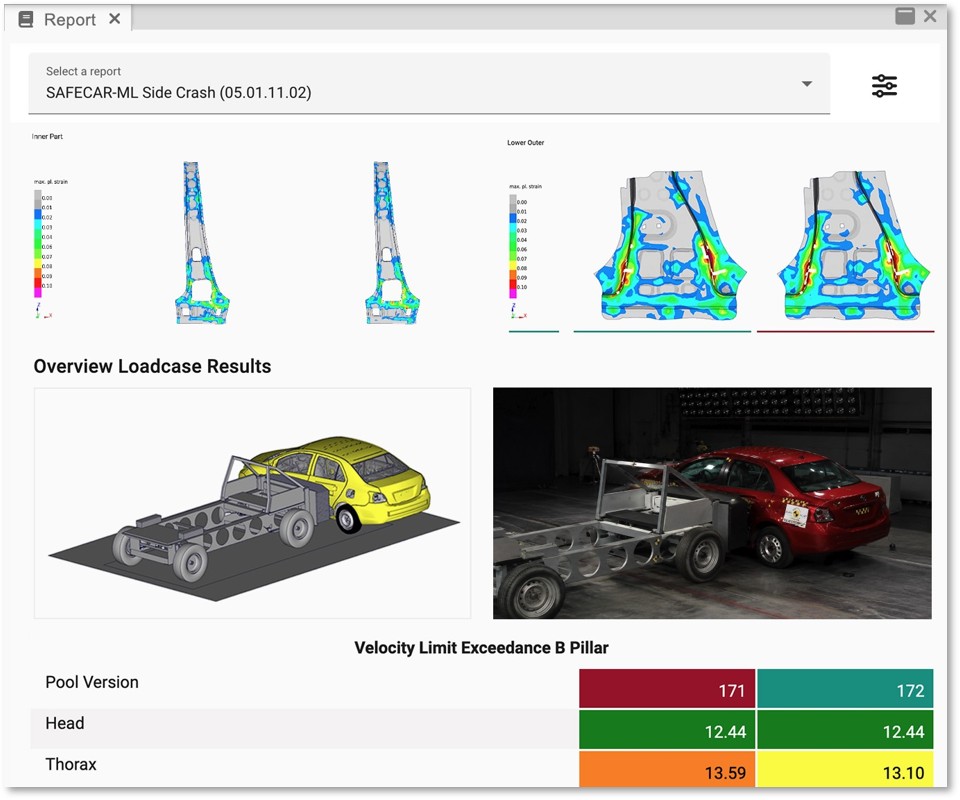
      In many teams, reports are still assembled by hand: download results, paste into a slide deck, update numbers, check layout. SCALE.sdm generates reports directly from system data – interactive, current, and without any manual data transfer. Particularly powerful: updated report templates can be applied to historical data in one click, making like-for-like comparisons across model generations a matter of minutes.

       8–10× faster  ·  manual assembly → one click

      Return on investment

      The ROI at a Glance

      Each workflow improvement translates directly into measurable time savings. Together, they compound:

      40h

      Saved per week
      with 4 engineers

      20×

      Faster result
      retrieval

      10×

      Faster parallel
      run management

      1

      Click to start
      any simulation

      Process-By-Process Comparison

      Workflow StepWithout SCALE.sdmWith SCALE.sdmSpeed Gain
      Create new variant3-5 min1-2 min~3×
      Submit simulation job~10 min via SSH<1 min, 1 click8–10×
      Manage parellel simulationsManual / scriptsSingle action10–20×
      Create documentationExternal, time-intensiveAutomatic & integrated8–10×
      Retrieve past resultsHours of searchingSeconds15–20×
      Debug process errorsLaborious, manualStructured + AI guidance3–5×
      Generate reportsManual assemblyOne click8–10×

      Simulation is good. Simulation with SCALE.sdm is better.

      Virtual product development is one of the most effective ways to shorten development cycles and reduce costs. But the full value only materialises when the processes surrounding simulation are as efficient as the simulation itself.

      SCALE.sdm closes exactly that gap: less routine work, fewer errors, more transparency – and an ROI that becomes visible within the first few weeks after rollout.